

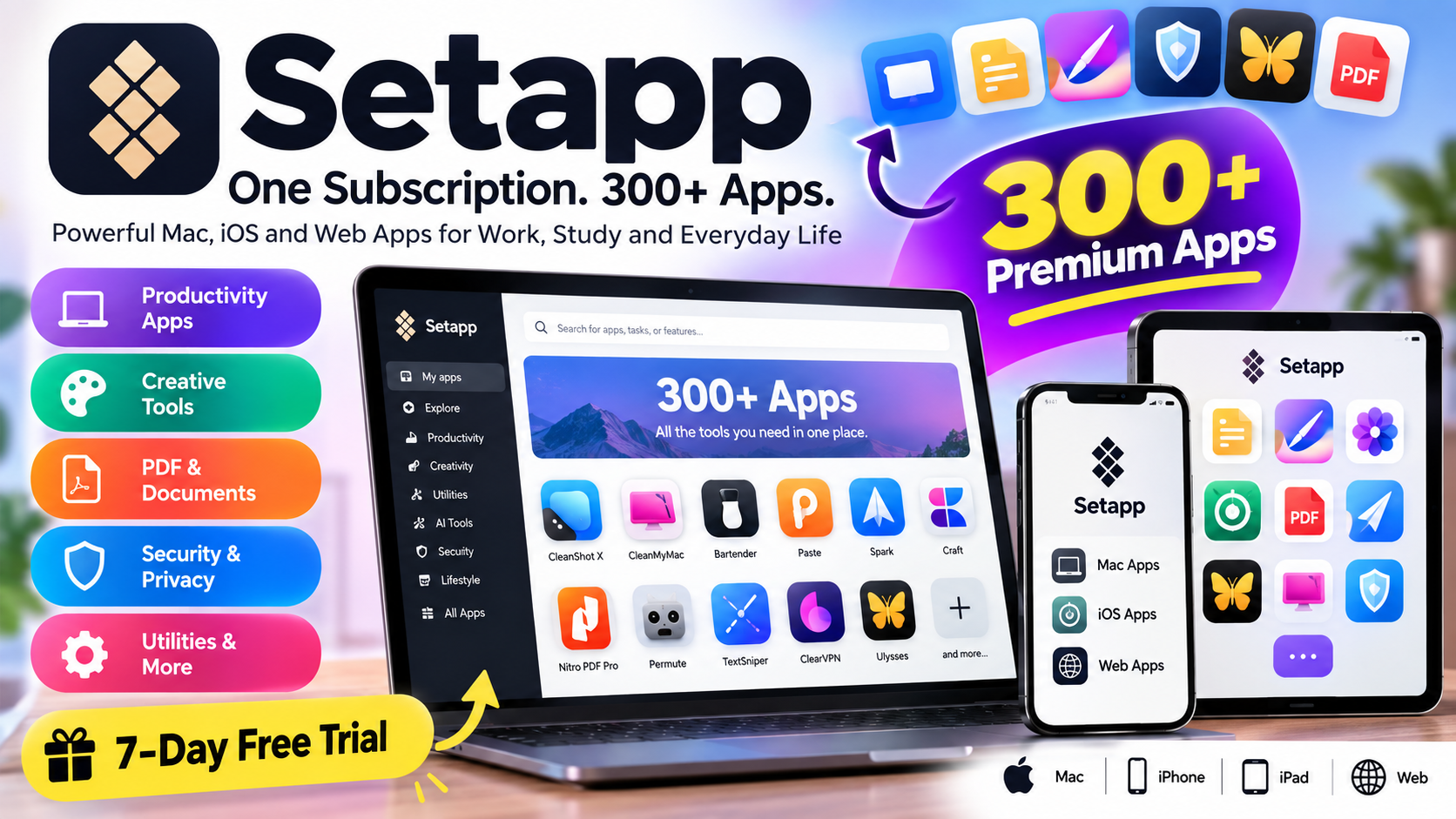
If you use a Mac, iPhone, or iPad and regularly need different premium apps, buying every app separately can become expensive. Setapp offers a different approach: instead of purchasing many apps individually, users can access a large collection of applications through a single subscription.
Setapp currently offers access to 300+ Mac, iOS, and web apps, covering areas such as productivity, file management, creativity, PDF editing, security, email, utilities, and more. The service also includes AI-focused tools and features in its available plans.
What Is Setapp?
Setapp is an app subscription platform developed to give users access to a collection of premium applications through one membership.
Instead of searching for and purchasing multiple apps separately, users can open the Setapp application, browse its catalog, select an app, and install it. The company says its catalog is curated and that applications are selected according to its quality standards.
Setapp supports applications for Mac and, depending on the plan and app, iPhone, iPad, and the web.
This makes the service particularly interesting for people who use several tools for work, study, content creation, productivity, or everyday tasks.
How Does Setapp Work?
Getting started with Setapp is relatively straightforward.
First, users sign up for a Setapp plan and can start with a 7-day free trial. A payment method is required for the trial, but Setapp states that users are not charged during those initial seven days.
After signing up, users install the Setapp application on their Mac and log in to their account.
From there, they can browse the available applications and install the tools they need. According to Setapp, its desktop application itself takes approximately 300 MB of storage.
The basic process is:
- Sign up for Setapp.
- Start the 7-day trial.
- Install the Setapp desktop application.
- Browse the app catalog.
- Install the applications you need.
- Use the included apps while your membership remains active.
What Apps Are Available on Setapp?
One of Setapp’s main attractions is the variety of applications available through its membership.
The catalog includes tools for different types of users and tasks. Some examples listed by Setapp include:
- CleanMyMac – Mac cleanup and maintenance
- CleanShot X – Screenshots and screen recording
- Bartender – Menu bar organization
- Paste – Clipboard management
- Spark Mail – Email management
- Nitro PDF Pro – PDF creation and editing
- Permute – Media conversion
- TextSniper – Extracting text from images and screens
- ClearVPN – VPN and privacy-related functionality
- Craft – Documents and notes
The exact app catalog can change over time as applications are added or removed.
Setapp Pricing
Setapp currently lists several membership options. According to its official pricing page, the plans include a Mac plan at $14.99 per month, a Mac + iOS plan at $18.99 per month, and a Power User plan at $22.99 per month, before applicable taxes.
Mac Plan
The Mac plan is listed at $14.99/month plus tax and is designed for users who primarily need applications on one Mac.
It includes 1,000 AI credits according to the current pricing information.
Mac + iOS Plan
The Mac + iOS plan is listed at $18.99/month plus tax.
It supports one Mac and up to four iOS devices, making it suitable for people who use both their Mac and Apple mobile devices.
Power User Plan
The Power User plan is listed at $22.99/month plus tax.
It supports up to four Macs and four iOS devices and currently includes 2,000 AI credits.
Setapp also promotes annual billing as a way to save compared with monthly pricing.
Because pricing and plan availability can vary by country or region, users should check the official Setapp pricing page before subscribing.
Setapp AI Features
Setapp has also expanded its offering beyond traditional applications by including AI-related tools and plans.
The company describes AI tools as part of its broader application ecosystem. Depending on the plan, users receive a certain number of AI credits. Current standard membership plans shown on the pricing page include either 1,000 or 2,000 AI credits.
AI availability and credit systems can change, so users should check the current plan details before purchasing.
Advantages of Setapp
Access to Many Apps
The biggest advantage is the ability to access a large collection of applications through one membership instead of purchasing every application separately.
For people who regularly use several premium Mac tools, this can simplify app management.
Easy App Discovery
Setapp is also designed to help users discover applications based on the task they want to complete.
For example, instead of knowing the name of a specific application, users can search for solutions to tasks such as cleaning a Mac, working with PDFs, managing screenshots, or organizing files.
Regular App Updates
Setapp states that membership users receive app updates as part of their membership. New applications may also be added to the catalog over time.
Free Trial
New users can try Setapp for seven days before the paid subscription begins, according to the current official information.
Multiple Device Options
Some plans extend access beyond one Mac to iPhone and iPad, while the Power User option supports multiple Macs and iOS devices.
Things to Consider Before Subscribing
Setapp is subscription-based, so it may not be the right approach for everyone.
If you only need one application and can purchase it separately at a reasonable cost, a Setapp membership may not be necessary. Setapp also offers individual app options through its platform in addition to its broader membership.
Another important point is automatic renewal. Setapp’s terms state that memberships automatically renew unless the user turns off auto-renewal. The company says users should cancel at least 24 hours before the end of the current trial or subscription period to avoid the next charge.
Users should therefore check their subscription settings if they decide not to continue after the free trial.
Is Setapp Worth Considering?
Whether Setapp makes sense depends mainly on how many of its applications you expect to use.
Someone who regularly needs several Mac utilities, productivity applications, creative tools, PDF software, security tools, and other premium applications may find the subscription model convenient.
On the other hand, users who only need one specific application may prefer purchasing or subscribing to that application directly.
The best way to evaluate Setapp is to look through its current catalog and identify how many applications you would actually use.
Setapp for Students, Professionals and Creators
Setapp can be useful for different types of users.
Students may find productivity, note-taking, PDF, research, and organization tools useful for school or university work.
Professionals can use applications for email, documents, screenshots, file management, productivity, and other work-related tasks.
Content creators may benefit from tools for screenshots, media conversion, writing, image-related tasks, and other creative workflows.
However, the usefulness of the service depends on the specific applications included in the current catalog.
How to Start Using Setapp
Starting with Setapp is simple:
- Visit the official Setapp website.
- Review the available membership plans.
- Start the 7-day trial if you want to test the service.
- Download the Setapp application.
- Sign in to your account.
- Browse the available apps.
- Install the applications you want to use.
Setapp currently advertises a 7-day free trial for its membership plans.
Final Thoughts
Setapp provides an alternative to purchasing multiple Mac and Apple-device applications separately. Its subscription gives users access to a broad catalog of applications covering productivity, utilities, security, creativity, PDF management, email, and other categories.
The current membership includes 300+ Mac, iOS, and web apps, with different plans designed for single-Mac users, Mac and iOS users, and people who need access across multiple Macs.
For anyone considering Setapp, the most important factor is how many of the included applications they will actually use. The 7-day trial provides an opportunity to explore the catalog before deciding whether to continue with a paid membership.
Note: Setapp pricing, app availability, device support, and plan features can change. Always check the official Setapp website for the latest information before subscribing.
